

OzPrompter listens to your voice, highlights the word you are reading and scrolls exactly at your pace. Look at the camera and speak naturally on Zoom, Teams and Meet calls.
English & Turkish · Every feature unlocked for 7 days · No credit card
Classic teleprompters scroll at a fixed speed and you have to keep up. OzPrompter waits for you instead: pause and it pauses, speed up and it speeds up. The word you are reading is highlighted and what you have read fades, so you never lose your place.
Download now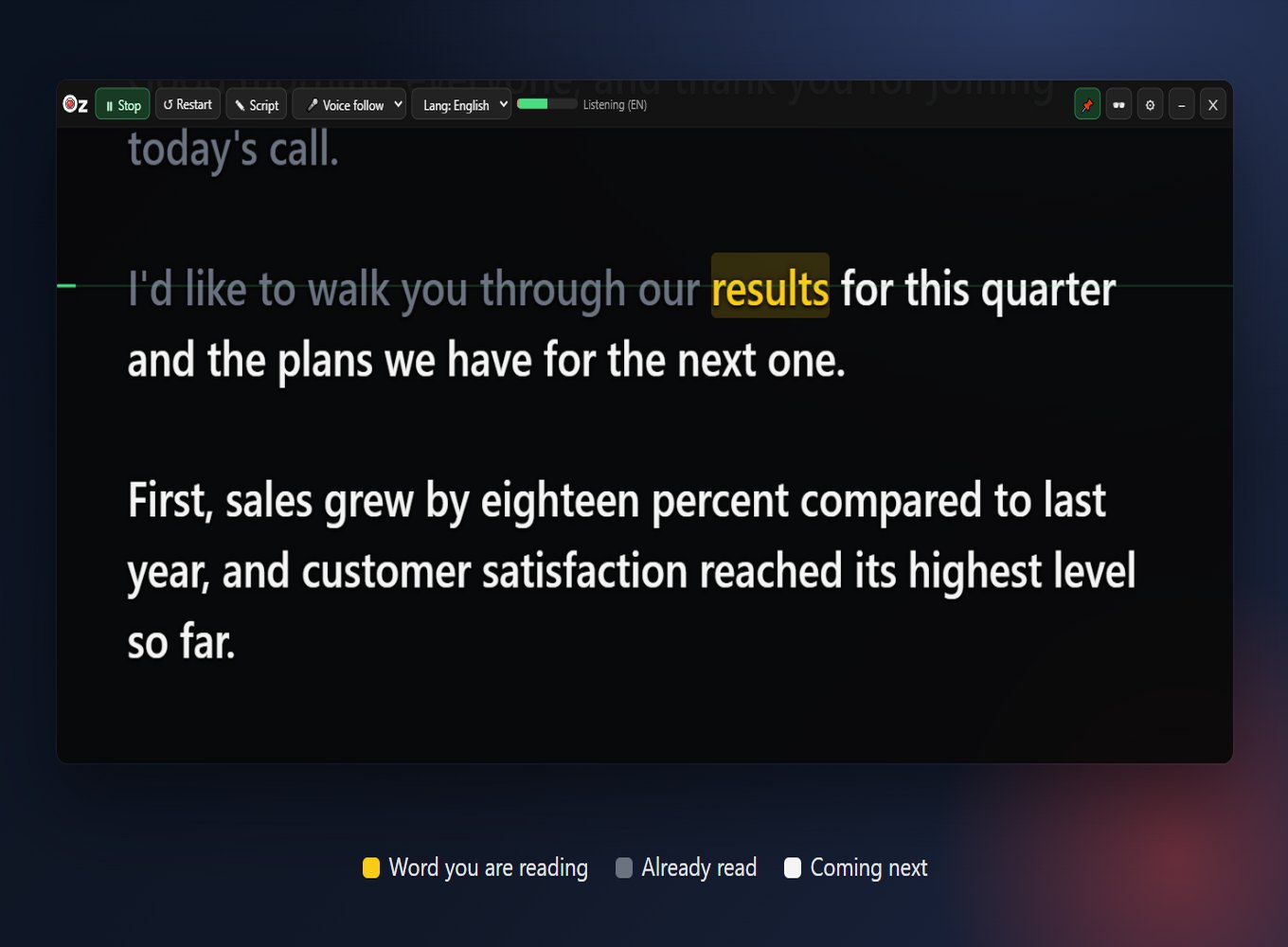
Finds the word you are reading instantly and scrolls at your pace.
Only speech that matches your script counts; other voices in the meeting do not move the text.
Speech recognition runs on your computer. Your voice is never sent anywhere.
Detects your script's language and follows you word by word in both.
From installing to your first presentation in minutes. No setup required.
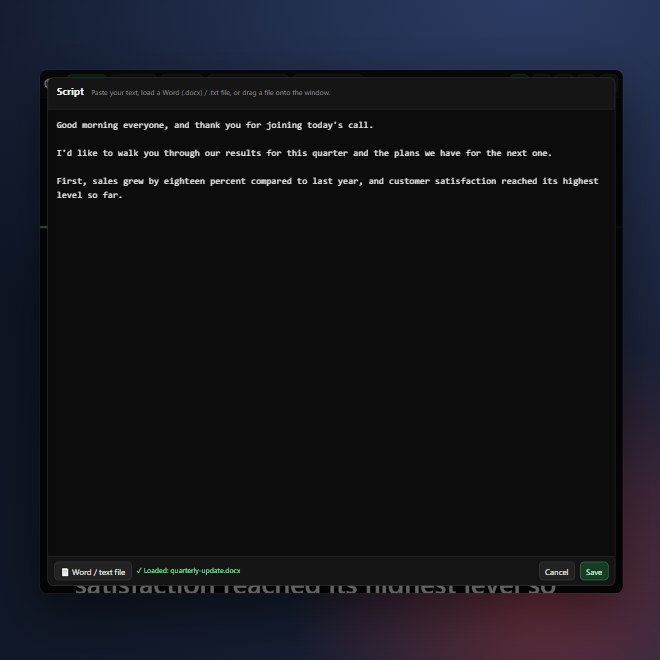
Paste it, or drag your Word (.docx) / text file onto the window.
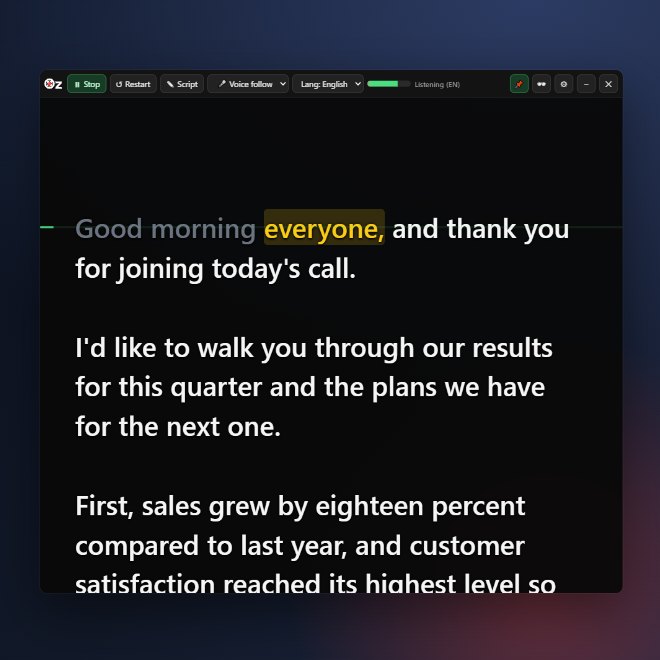
Use Ctrl+Alt+Space (Control+Option+Space on a Mac) to start and stop, even while Zoom is in front.
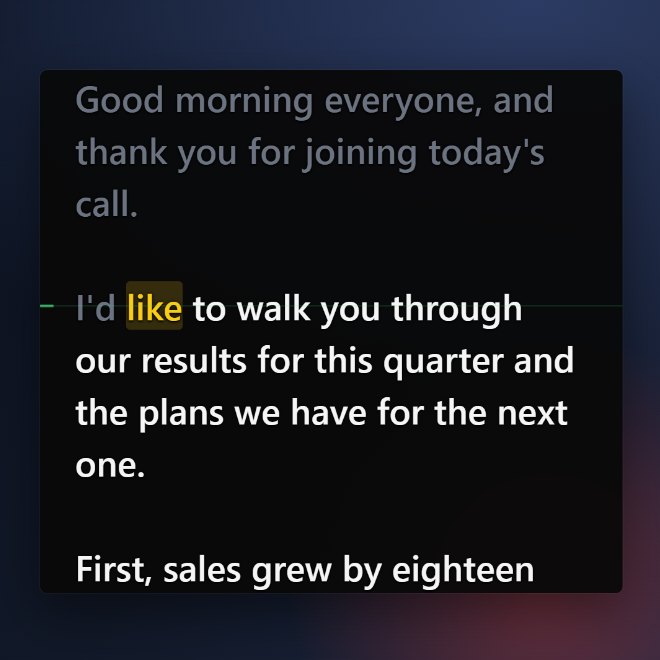
The word you are reading is highlighted and the script moves with you.
Download, install and give your first presentation. No credit card needed.
Windows 10 / 11 (64-bit) · about 180 MB
macOS 11+ · Apple Silicon and Intel · about 300 MB · Beta
Microphone required · Step-by-step installation →